Getting Wave Marks? Issues to Check When Using Pneumatic Sandpaper
In body and paint shops, wavy marks often show up on the putty layer after sanding. They appear before polishing and often mean time-consuming rework. Most people first blame the grit size or too much pressure, but tracing the problem back to the workstation usually reveals several contributing factors. With pneumatic sandpaper used for fine sanding of putty, wavy marks are rarely the result of one single cause.
Flatness of the Sanding Pad and Backing Pad
Sandpaper is flexible. It conforms to whatever surface it sits on. A warped sanding pad, an aged and hardened backing pad, or localized sagging of the backing fabric all lead to uneven pressure. When the disc surface has slight bulges, high spots get sanded harder while low spots are barely touched, and unevenness appears after just a few passes. Place a straightedge against the disc to check for gaps, or press the backing pad to feel whether the rebound is uniform. If the disc surface is uneven, replace the disc first. Changing the pneumatic sandpaper alone will not fix it.
Hole Alignment and Chip Removal
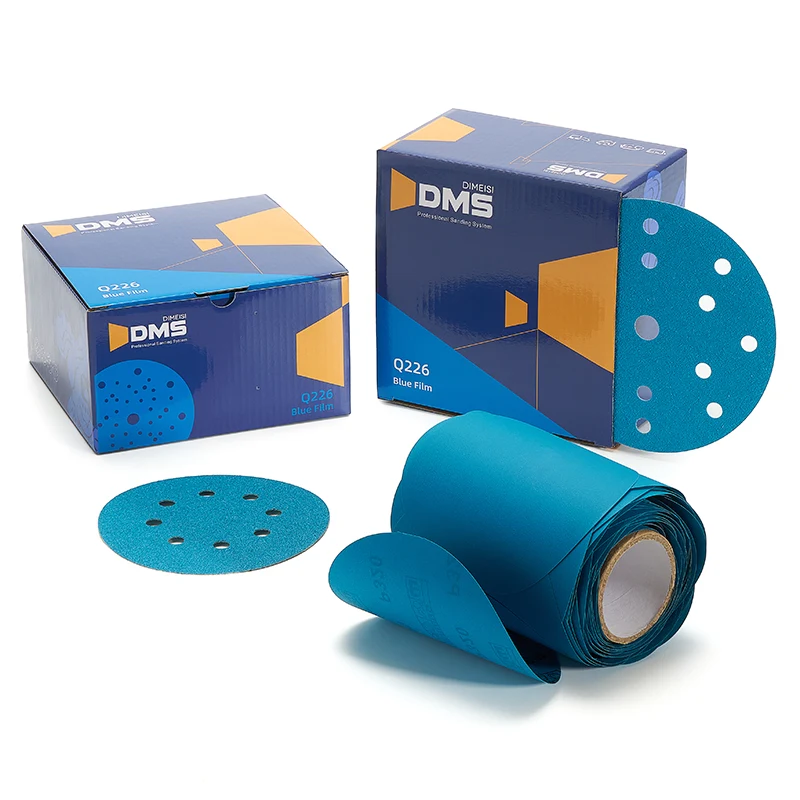
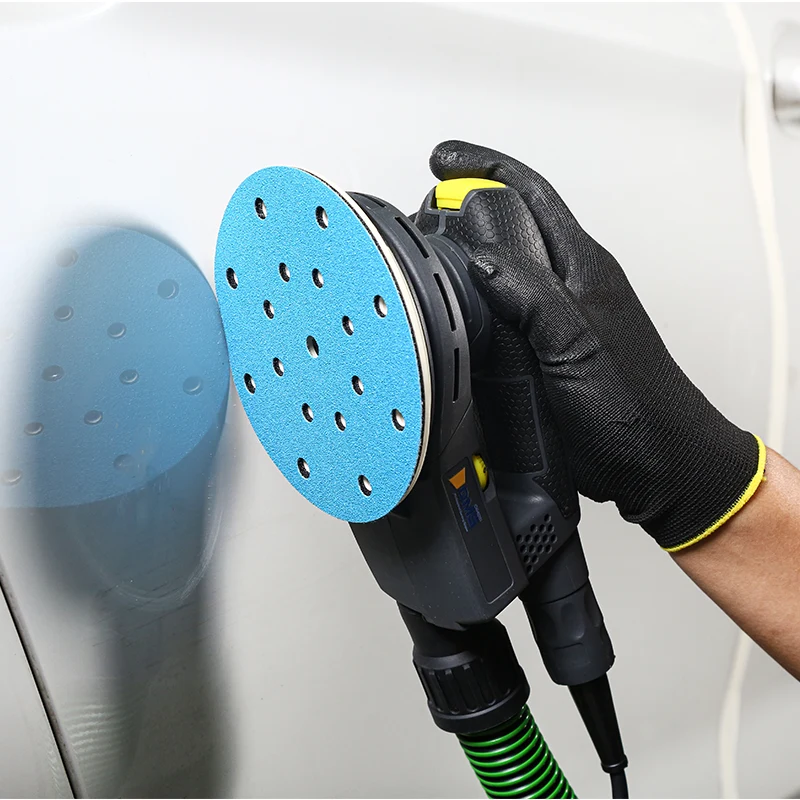
With multi-hole pneumatic sandpaper, misaligned holes leave certain areas sanded dry. Uneven dust accumulation changes the cutting depth, and the surface develops alternating deep and shallow grooves. Checking hole alignment when changing sandpaper is a simple preventive step.
Technique and Equipment Settings
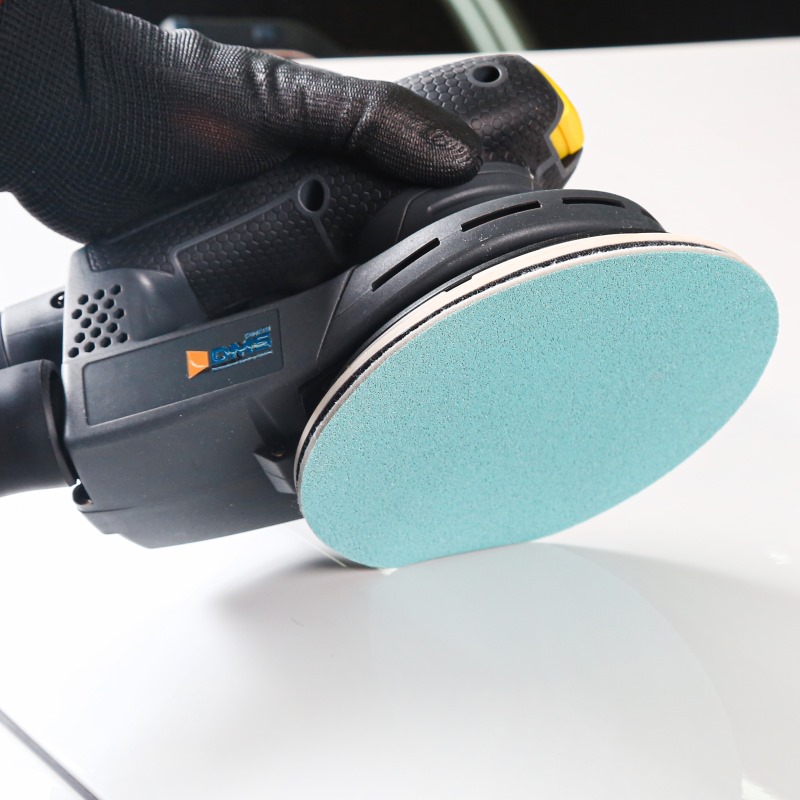
If the sandpaper is not applied straight or is held at an angle, pressure concentrates on the edges and creates shallow grooves parallel to the direction of movement. If the speed is too high or the movement too fast, the sandpaper does not get enough cutting time per unit area. The surface may look flat, but periodic undulations remain. Instead of swapping sheets constantly, keep the sandpaper flat against the workpiece, apply even pressure, and move at a constant speed.
Condition of the Putty Layer Itself
Wavy marks are sometimes not caused by sanding but left over from the putty stage. If the putty layer is uneven in thickness, has not fully cured in certain areas, or the underlying sheet metal is uneven, sanding simply brings those irregularities to the surface. The finer the sandpaper, the more likely it is to amplify underlying unevenness into visible ripples.
Abrasive Distribution on the Sandpaper
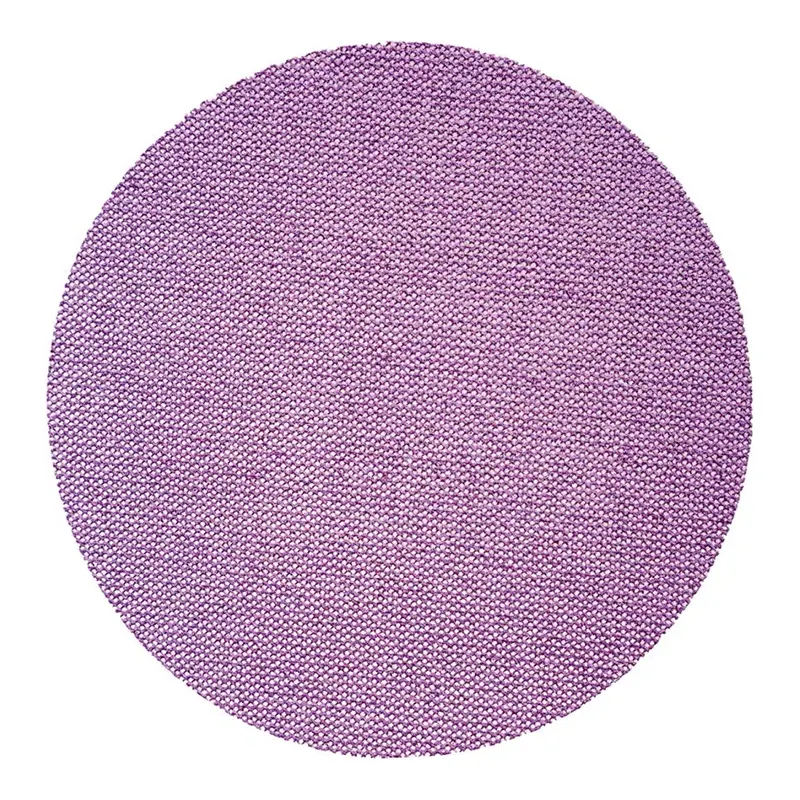
Pneumatic sandpaper with uneven abrasive distribution or inconsistent abrasive density produces unstable cutting depth. Skipping grit sizes can also leave deep scratches from earlier steps faintly visible even after fine sanding.
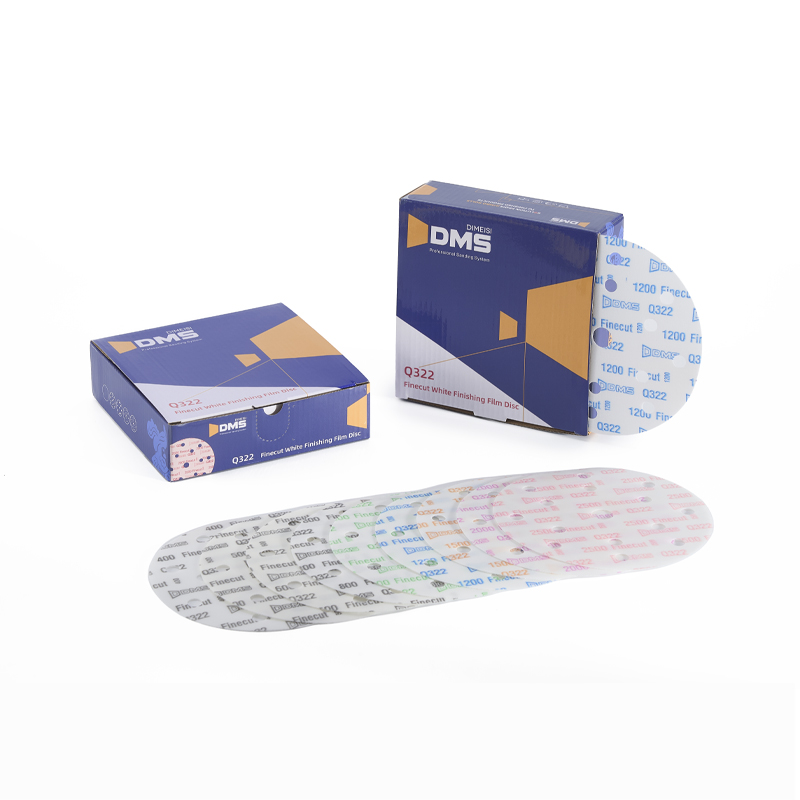
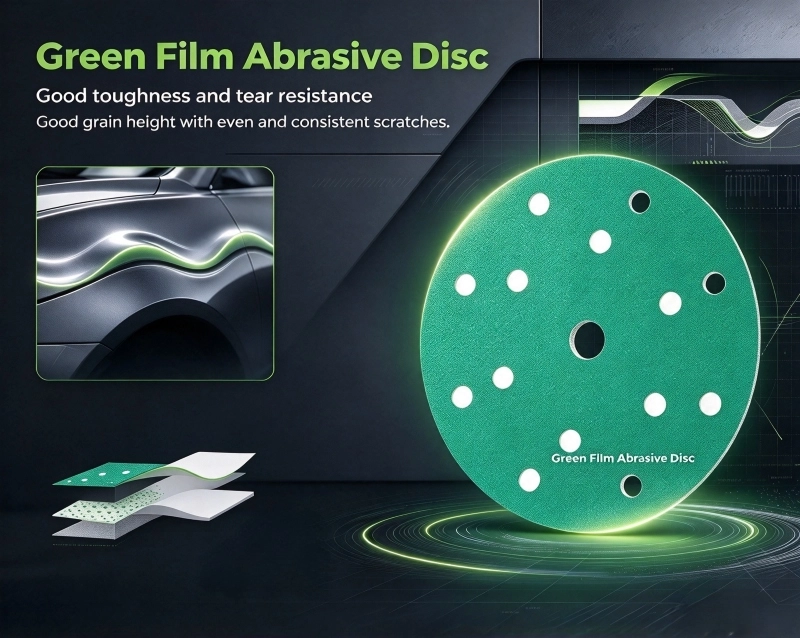
When investigating sandpaper-related factors, DMS's Q227 green film abrasive discs can be included for comparison. It uses a blend of ceramic abrasives, holds cutting power for an extended period, produces relatively uniform scratches, and offers multiple hole patterns compatible with various dust collection discs.
A practical troubleshooting order is to start with pad flatness and hole alignment, then check technique and the condition of the putty layer. Finally, compare the performance of the pneumatic sandpaper using a small number of samples. This usually helps isolate the source of the problem.
Next :
-
Related News
- What Are the Benefits of Eco-Friendly Ceramic Sandpaper for Low-Dust Sanding?
- What Leads to Peeling of the Waterproof Coating on Wet Sandpaper? Key Usage Tips
- Ceramic Sandpaper vs Silicon Carbide Sandpaper: How to Pick for Your Grinding Job
- Why Anti Static Fine Sandpaper Matters in Electronics Manufacturing
- Is Porous Dust-Collecting Automotive Sandpaper Worth the Switch?
- Wrong Collision Repair Sandpaper Costs You Time. Here's How to Choose Right
Leave me a message